

net/http stack of your Go application(s) with OpenTelemetry and send traces
to Checkly.
Step 1: Install the OpenTelemetry SDK
Install the relevant OpenTelemetry packages:Terminal
Step 2: Set up SDK
Create a file calledtracing.go at the root of your project and add the following code:
tracing.go
Step 3: Initialize the instrumentation
Add or adapt the following code to yourmain.go file. The key parts are as follows:
- Wrap the default
http.Handlerwith theotelhttp.NewHandlerfunction. - Add the
otelChecklyFilterfunction to filter out the requests that should be traced and send to Checkly.
main.go
Step 4: Start your app with the instrumentation
Toggle on Import Traces and grab your OTel API key in the OTel API keys section of the Traces page in the Checkly app and take a note of the endpoint for the region you want to use.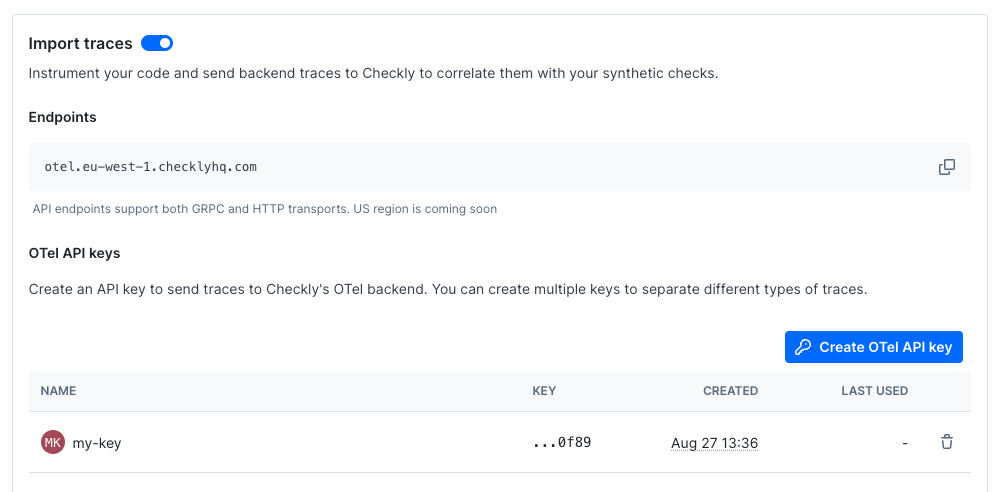
OTEL_EXPORTER_OTLP_HEADERS environment variable.
Terminal
Terminal
Terminal
Then run you app as usual:
Terminal